

Fleet costs in New Zealand usually don’t explode overnight — they leak. A few extra kilometres here, idling there, an unplanned detour, “quick stops” that add up, and admin time spent trying to piece together what happened. GPS tracking is one of the fastest ways to plug those leaks because it turns daily driving into clear, time-stamped data you can act on.
This guide breaks down the biggest cost areas GPS tracking can improve, the reports that matter most, and a simple “week one” plan to start saving without annoying your drivers or creating extra admin work.
Where fleets lose money (and how GPS fixes it)
1) Fuel waste from detours and unnecessary driving
Even good drivers can take longer routes out of habit. GPS trip history shows actual routes, stop locations, and timings, so you can identify repeat detours and tighten routing. For service businesses, this alone can reduce fuel and time spent on the road.
2) Excess idling
Idling is a silent budget killer: you burn fuel without moving, plus you add wear to the engine. GPS platforms typically show stop durations and (depending on setup) idling time. Once you can see it, it’s easy to reduce it with simple policy and reminders.
3) “Ghost time” and unclear timesheets
When timesheets rely on memory, you get gaps. GPS logs provide a timeline: first movement, arrival times, stop times, and end-of-day return. That makes payroll checks, customer disputes and job costing far cleaner — without micromanaging anyone.
4) Poor vehicle utilisation
Some vehicles are overloaded while others sit underused. With a week or two of GPS data you can see which vehicles are constantly running and which aren’t — often allowing you to re-balance workload, reduce overtime, or delay purchasing another vehicle.
5) Costly admin time (and “where was that job?” calls)
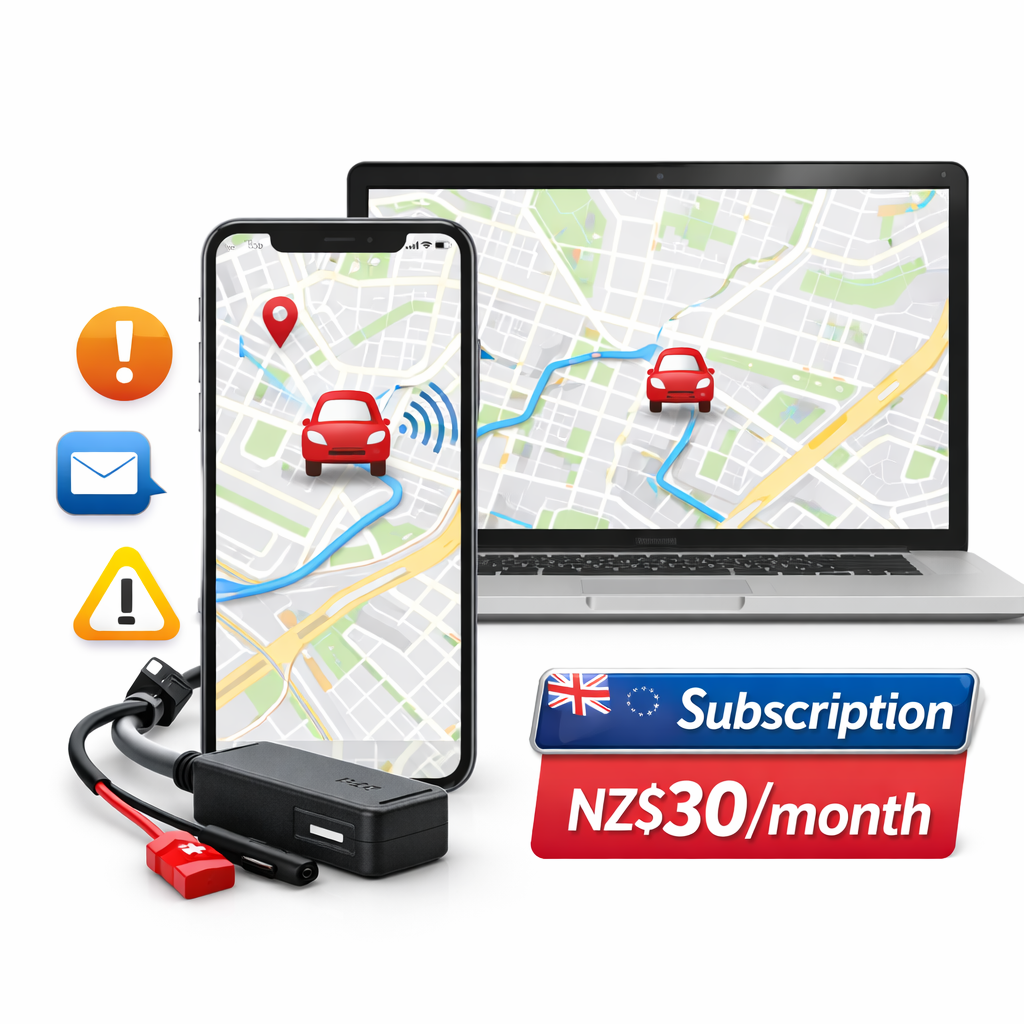
Drivers calling in, staff chasing ETAs, customers disputing arrival times — it all adds up. Live tracking lets dispatch or the office answer questions instantly and reduces the daily back-and-forth that burns hours each week.
The 4 reports that save money fastest
- Trip history: routes, stops, and timestamps. Great for proof of service and route optimisation.
- Stop duration / idle view: highlight long stops and repeat patterns that waste time and fuel.
- Mileage: simple, exportable distance logs for invoicing, costs and maintenance.
- Alerts summary: movement/tamper/after-hours driving (ideal for high-value vehicles).
You don’t need 20 dashboards. Start with these four and you’ll immediately spot where costs are creeping in.
A simple “Week One” plan to reduce costs
Day 1–2: Get visibility
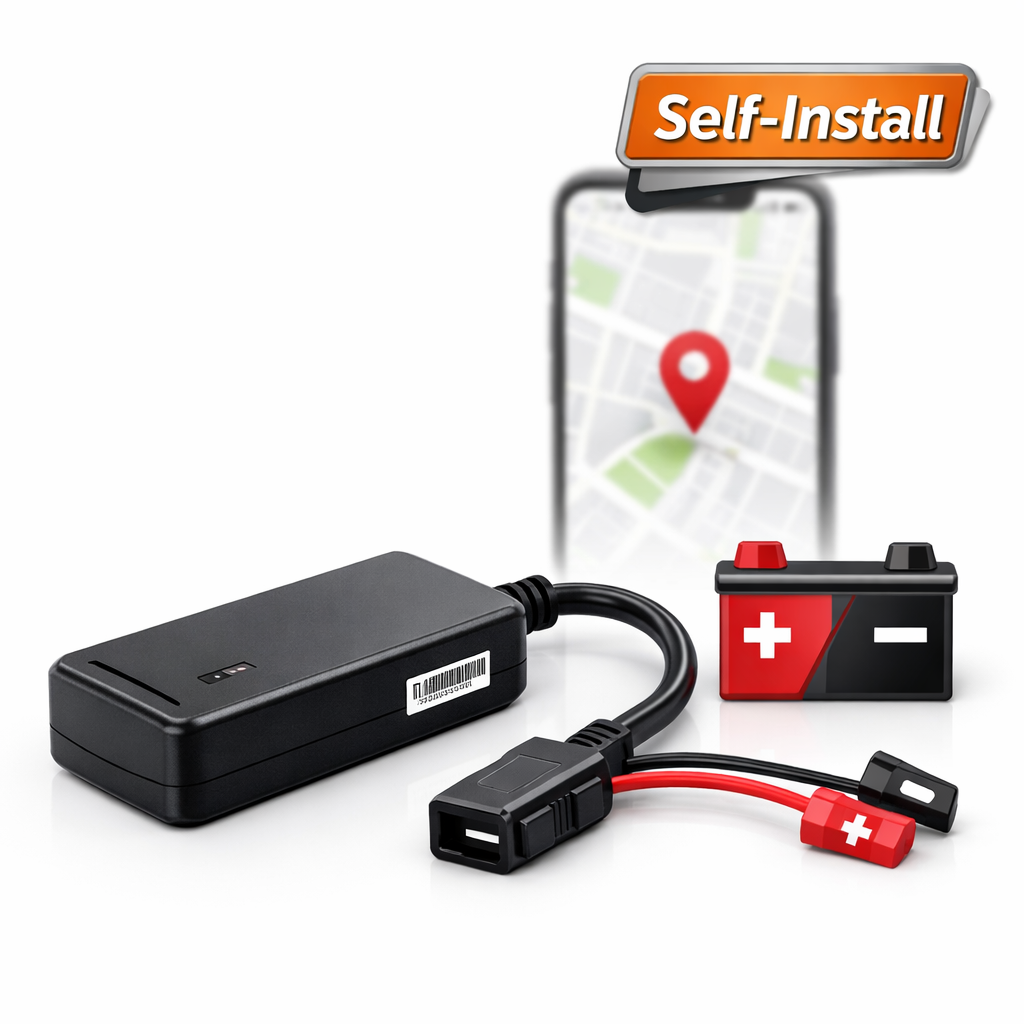
Install the tracker(s), confirm live map works on your phone, and make sure trip history is recording properly. Don’t change anything yet — just observe normal patterns.
Day 3–4: Identify the top 2 cost leaks
Look for repeated long stops, detours, and unusual after-hours movement. Pick just two improvements (for example: reduce idling at one location, or standardise a route between two suburbs).
Day 5–7: Set one simple rule + one alert
Keep it simple: a basic policy like “no extended idling unless required” plus one alert (after-hours movement, or entering/leaving a depot zone). This gives you control without creating driver resentment.
Will drivers hate it?
They usually won’t — if you position it correctly. GPS tracking works best when it’s about efficiency, safety, and customer service, not “gotcha” monitoring. Many teams prefer clear proof of where they were and when, because it protects them in disputes too.
Wrapping Up with Key Insights
Reducing fleet costs doesn’t require a complicated system. Start with visibility, focus on the top two leaks (detours and idle are common), and use clear reports to make small improvements every week. Even a single vehicle can show savings quickly — and fleets feel the impact faster than most owners expect.
Want pricing in NZD and a quick recommendation?
See pricing and options here: /pricing-quotes/ — or message us on WhatsApp and we’ll recommend the simplest setup for your vans, utes or fleet.
Leave a Reply
You must be logged in to post a comment.