

“Smart IoT tools” can sound expensive and complicated — but for fleets, it usually just means a few simple systems that automatically capture data so you can make better decisions. In New Zealand, the best fleet setups are rarely the most complex. They’re the ones that give you clear visibility, reduce admin time, and prevent problems before they become costs.
In this post we’ll cover the core IoT tools that improve fleet management (starting with GPS tracking), how they work together, and a practical way to implement them without overwhelming your team.
What “IoT fleet tools” actually means
IoT (Internet of Things) tools are simply connected devices that send useful information to a platform you can access anywhere. In fleet management, the most useful tools are the ones that answer basic questions instantly:
- Where is the vehicle right now?
- What happened today (routes, stops, timings)?
- Is anything unusual happening (after-hours movement, tamper, speeding)?
- When is the next service due (distance/time-based)?
- Can I prove attendance for a customer dispute?
The goal isn’t “more data”. The goal is less guesswork.
The smart stack: 5 IoT tools that actually improve fleet performance
1) GPS tracking (the foundation)
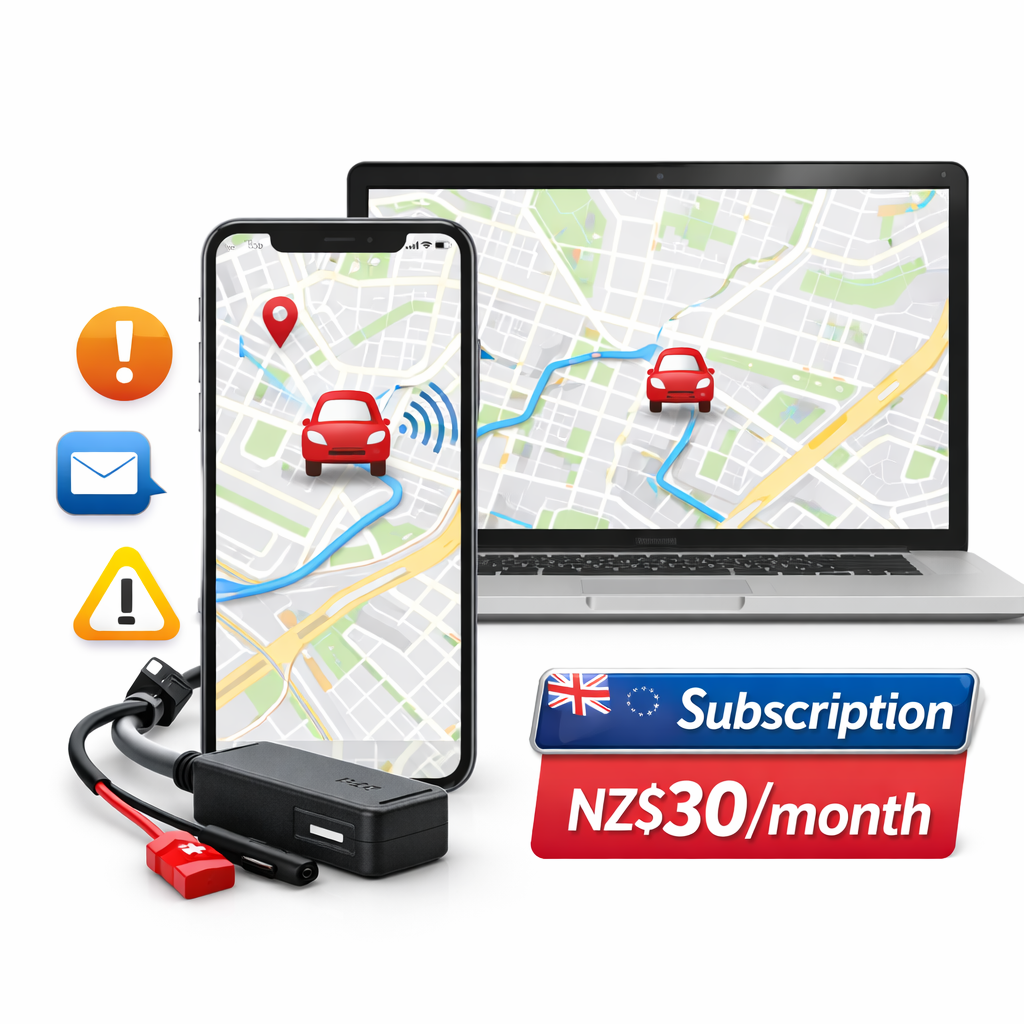
GPS tracking is the base layer. It gives you live location, trip history, routes, stops, and report exports. Once you have this, you can improve scheduling, reduce unnecessary driving, and cut down customer disputes.
2) Alerts (so you don’t have to watch the map)
Alerts make tracking useful without becoming a full-time job. Common examples include:
- Movement / after-hours alerts (especially for high-value vehicles)
- Geofence alerts (vehicle arrives/leaves a depot or site)
- Speeding alerts (safety + insurance-friendly)
- Tamper / power alerts (device interference)
Good alerts reduce risk while keeping management light-touch.
3) Maintenance triggers (service reminders that stop breakdown costs)
Many fleets run maintenance “when we remember”. A better approach is scheduled service based on distance or time. Even a simple mileage report prevents missed services, breakdowns, and expensive downtime.
4) Driver behaviour insights (only the few metrics that matter)
You don’t need to turn your business into a surveillance operation. But a few metrics are genuinely useful for cost and safety:
- Excess speeding (risk + fuel)
- Harsh driving events (wear and tear + accidents)
- Heavy idling (fuel waste)
Used correctly, these are about coaching and safety — not punishment.
5) Simple reporting & exports (so admin is faster)
Tracking becomes valuable when it reduces admin load. Trip exports, mileage reports, and stop summaries can support invoicing, customer proof-of-service, and internal time checks.
How to roll this out without annoying drivers
The biggest mistake is positioning tracking as “we don’t trust you”. The best fleets introduce it as:
- Customer service: better ETAs, fewer disputes
- Safety: theft protection, after-hours alerts
- Efficiency: less admin, cleaner routes
Be transparent about what you’re measuring, and focus on outcomes (time saved, reduced disputes, safer driving) rather than nitpicking.
A simple starter setup (works from 1 vehicle upwards)
If you’re new to IoT tools, start small and build:
- Install GPS tracker(s) and confirm live map + trip history
- Enable 1–2 alerts only (after-hours movement + a depot geofence is a good start)
- Review weekly mileage + stop summaries
- Add maintenance reminders once you have consistent mileage data
This gives you real value without drowning in dashboards.
Wrapping Up with Key Insights
Smart IoT fleet tools aren’t about complexity — they’re about visibility, prevention and faster decisions. Start with GPS tracking, add a couple of meaningful alerts, and use simple weekly reports to reduce waste and protect vehicles. The best setup is the one your team actually uses.
Want a simple NZ setup and clear pricing in NZD?
See pricing here: /pricing-quotes/ — or message us on WhatsApp and we’ll recommend the simplest setup for your vans, utes or fleet.
Leave a Reply
You must be logged in to post a comment.